> ## Documentation Index
> Fetch the complete documentation index at: https://alexcode.ai/docs/llms.txt
> Use this file to discover all available pages before exploring further.
# Commands
> Available commands and shortcuts in Alex Sidebar's chat interface
## Available Commands
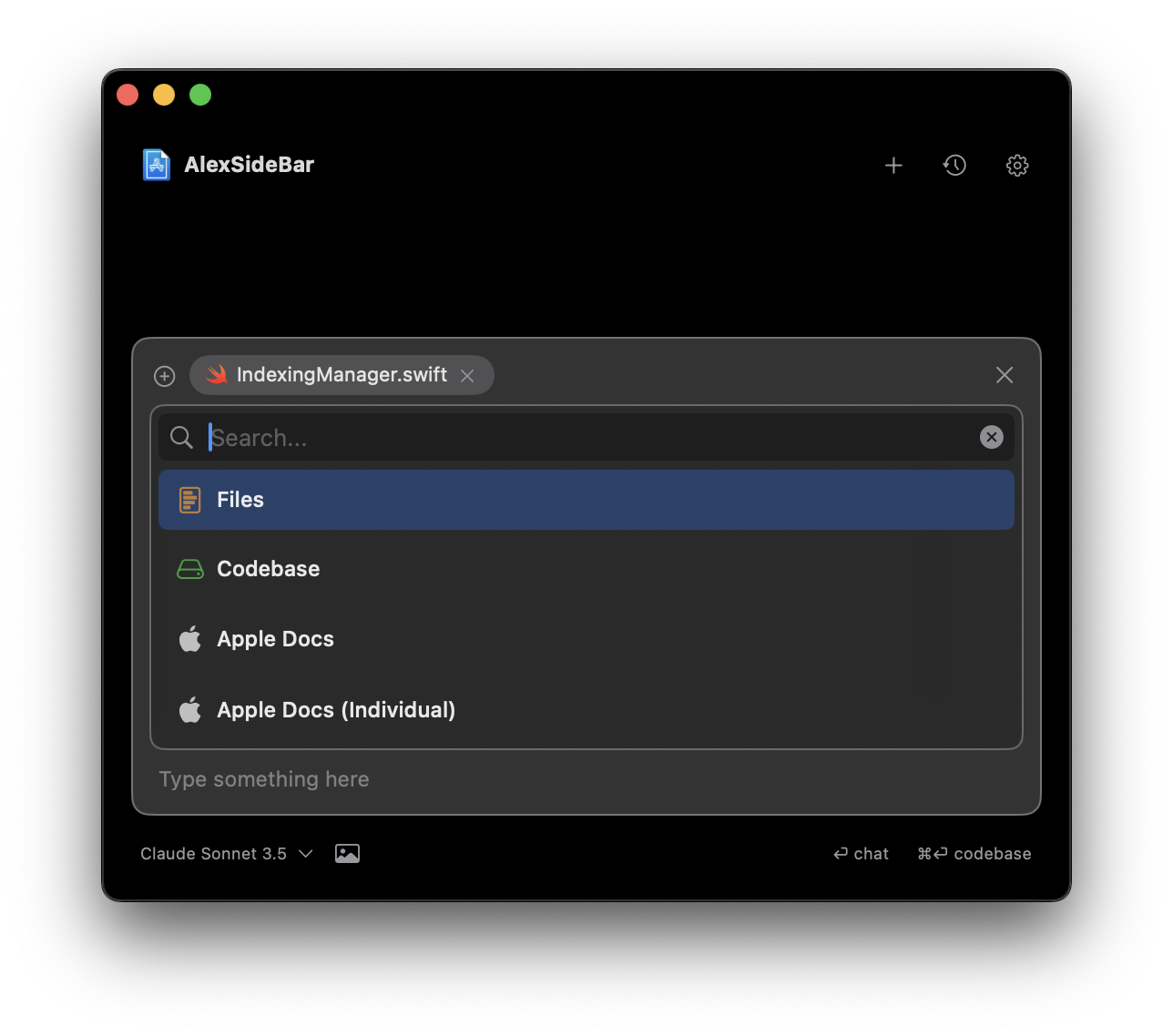 Access and reference files in your project directly from the chat interface.
Search and reference your entire codebase context during chat conversations.
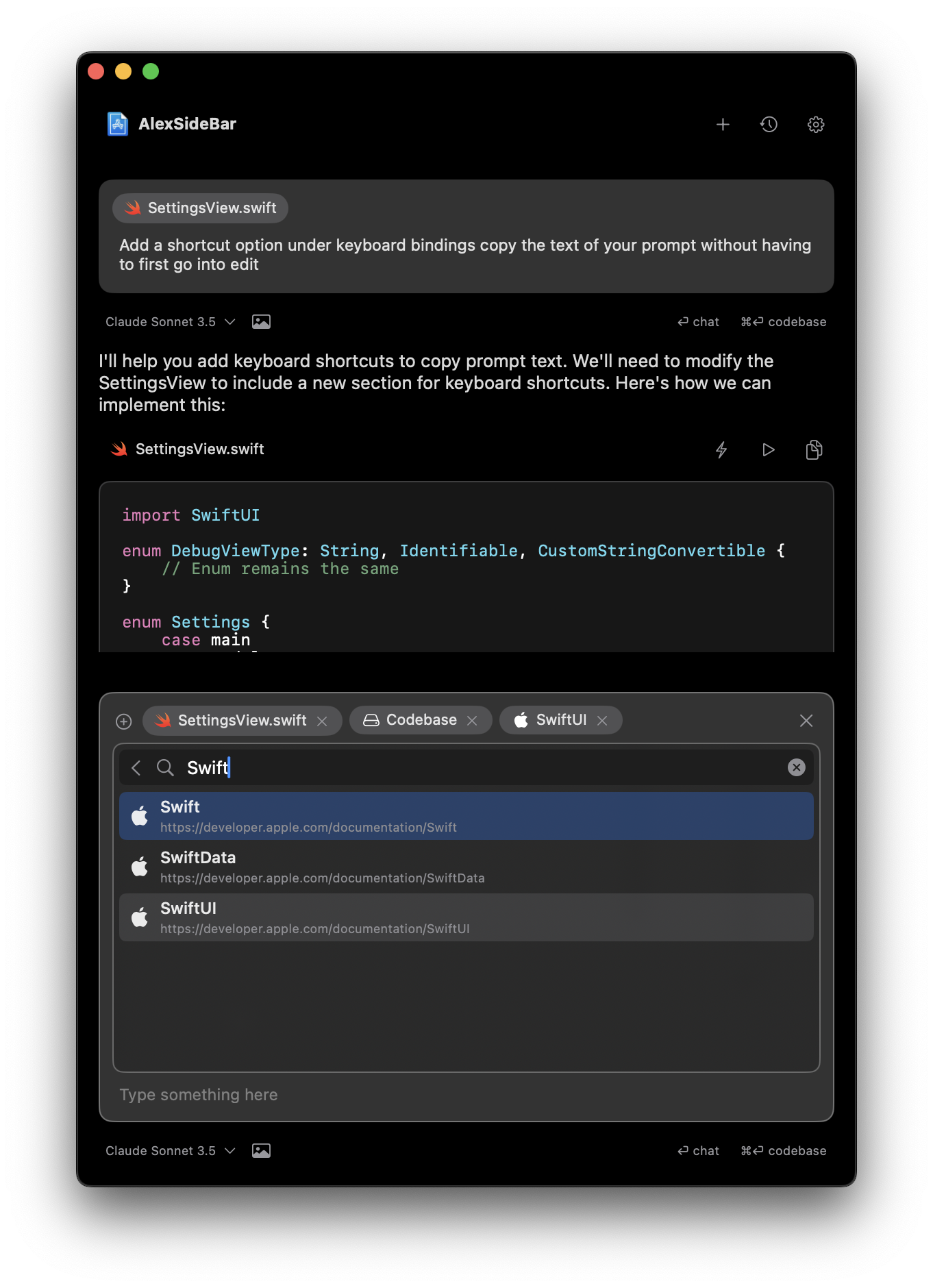
Search and reference official Apple documentation without leaving the chat.
Access specific Apple documentation entries for targeted reference.
## Using Commands
Type `@` or click the + button in the chat interface to see available commands.
Use the search bar at the top to filter available commands and find what you
need quickly.
Commands help you efficiently access resources and context without leaving
your chat workflow.
## Files Command
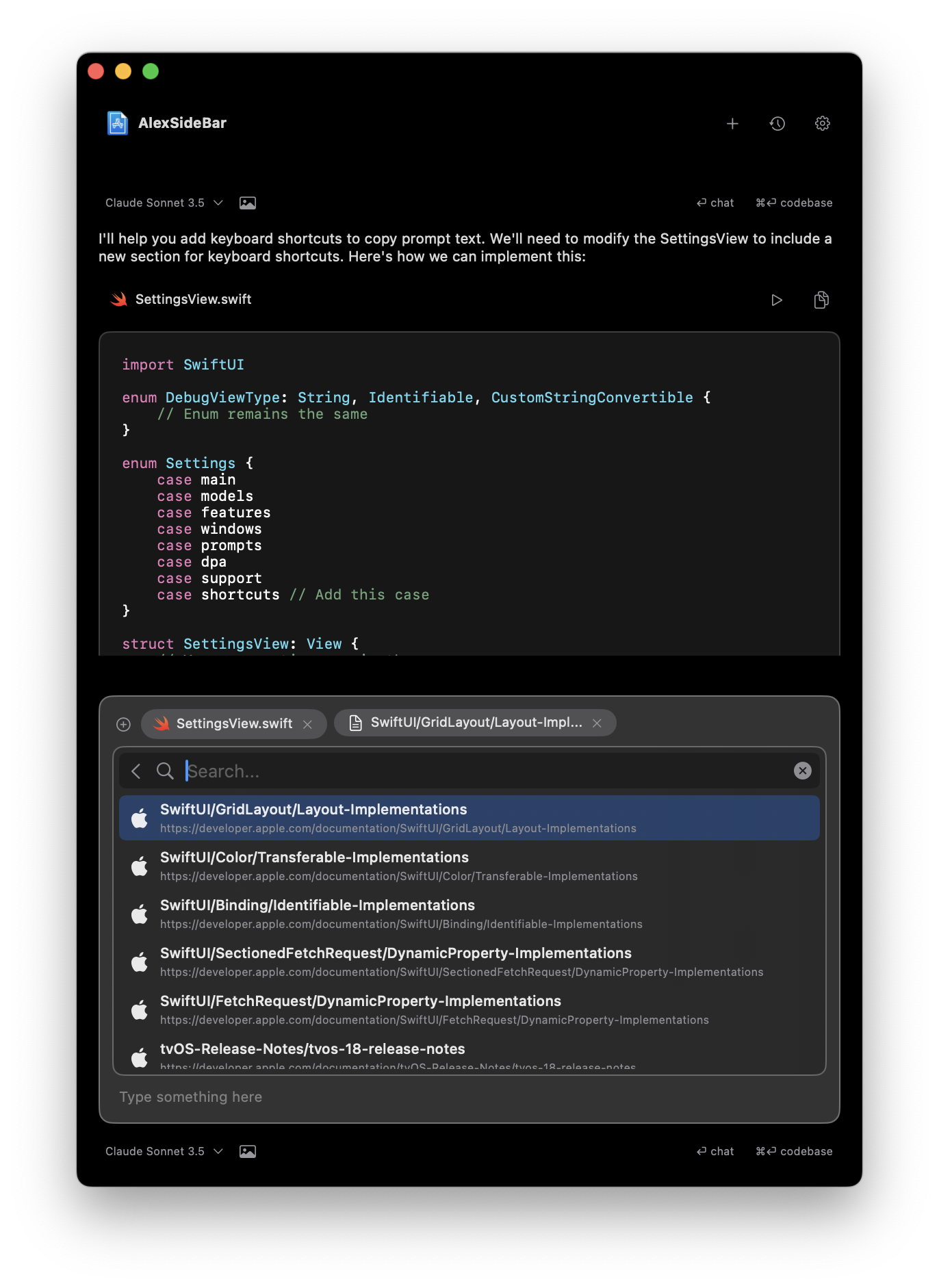
Access your project files directly within the chat interface. Browse, search, and reference specific files during your conversations.
Access and reference files in your project directly from the chat interface.
Search and reference your entire codebase context during chat conversations.
Search and reference official Apple documentation without leaving the chat.
Access specific Apple documentation entries for targeted reference.
## Using Commands
Type `@` or click the + button in the chat interface to see available commands.
Use the search bar at the top to filter available commands and find what you
need quickly.
Commands help you efficiently access resources and context without leaving
your chat workflow.
## Files Command
Access your project files directly within the chat interface. Browse, search, and reference specific files during your conversations.
 ## Codebase Command
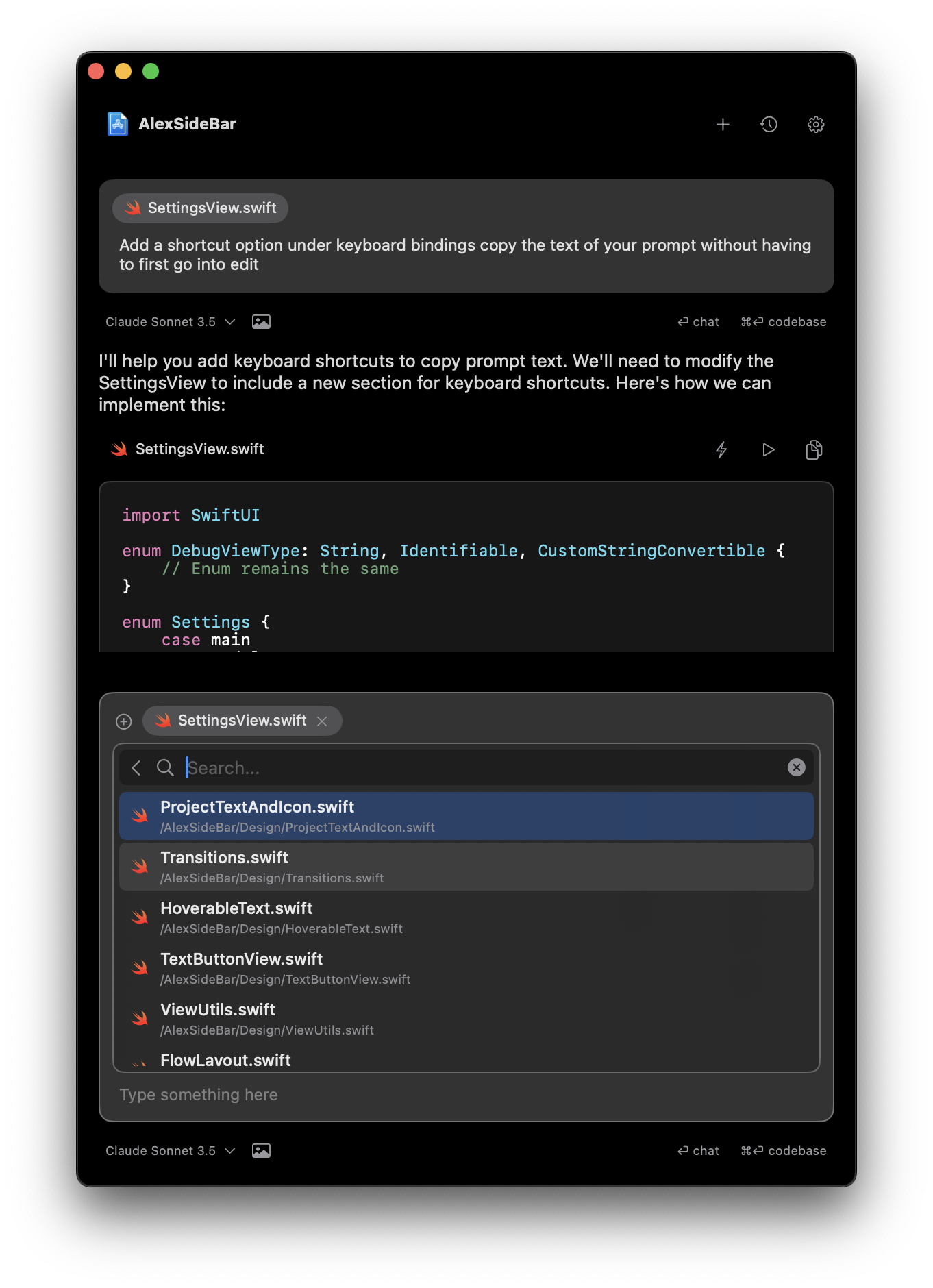
Search through your entire codebase context, find specific implementations, and reference code snippets in your discussions.
## Codebase Command
Search through your entire codebase context, find specific implementations, and reference code snippets in your discussions.
 ## Apple Documentation Command
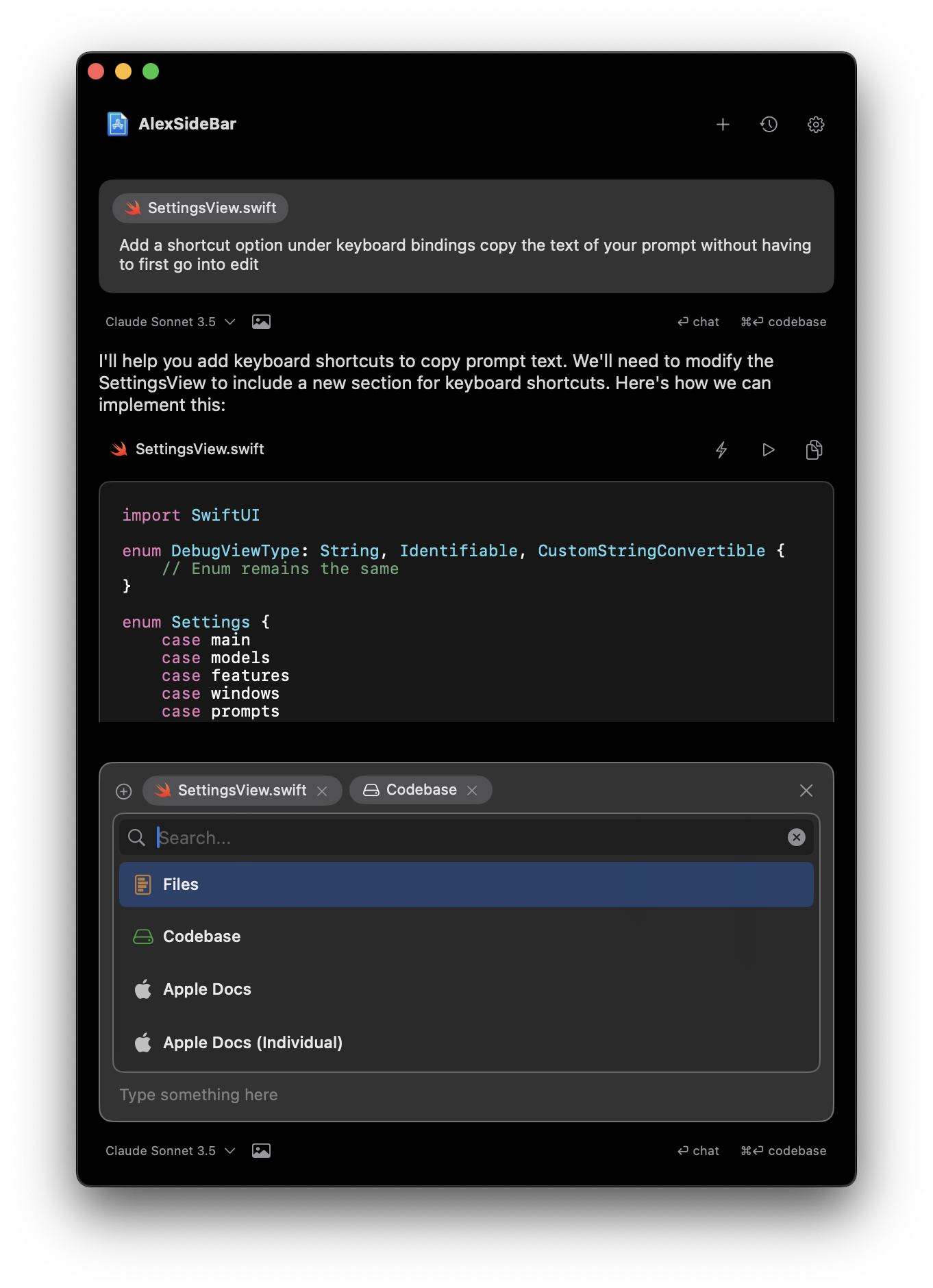
Search and browse through the complete Apple documentation library without switching contexts or leaving your chat.
## Apple Documentation Command
Search and browse through the complete Apple documentation library without switching contexts or leaving your chat.
 ## Individual Apple Documentation Command
Access and reference specific documentation entries, methods, or APIs for technical discussions.
## Individual Apple Documentation Command
Access and reference specific documentation entries, methods, or APIs for technical discussions.