> ## Documentation Index
> Fetch the complete documentation index at: https://alexcode.ai/docs/llms.txt
> Use this file to discover all available pages before exploring further.
# Code & Context Shortcuts
> Keyboard shortcuts for managing code interactions and chat context
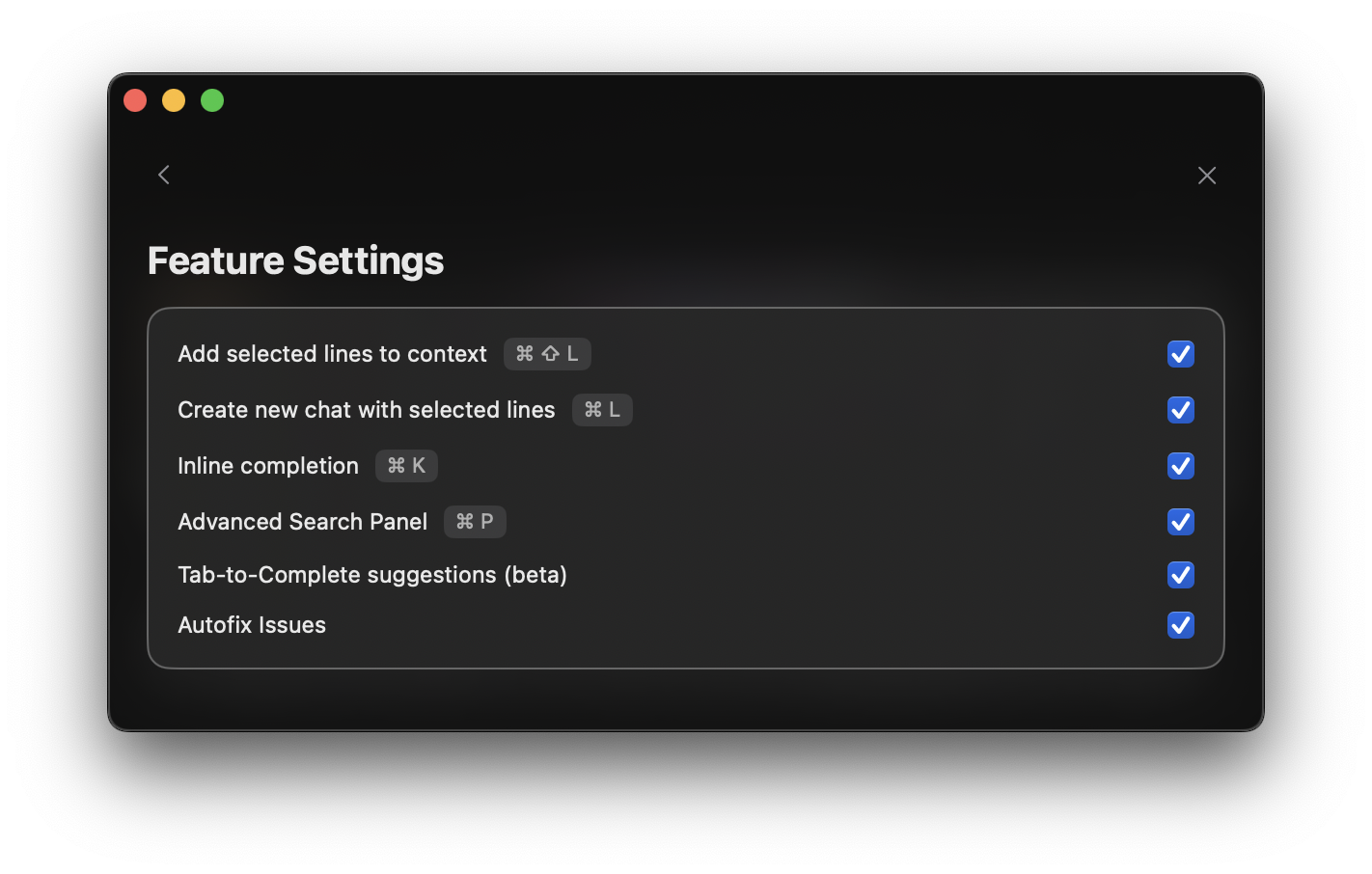 These shortcuts can be customized by clicking on any default shortcut in the Settings panel.
* **Command + L**: Start a new chat with your selected code
* **Command + Shift + L**: Add selected code to your current chat
* **Command + N**: Create a fresh chat (without code)
* **Command + Delete**: Stop the current generation
Just getting started? The **Command + L** shortcut is essential for starting AI chats about your code directly from Xcode.
These shortcuts can be customized by clicking on any default shortcut in the Settings panel.
* **Command + L**: Start a new chat with your selected code
* **Command + Shift + L**: Add selected code to your current chat
* **Command + N**: Create a fresh chat (without code)
* **Command + Delete**: Stop the current generation
Just getting started? The **Command + L** shortcut is essential for starting AI chats about your code directly from Xcode.